 on January 5, 2026
Welcome to our guide on how core web elements affect rankings.
If you’re wondering why your site isn’t climbing the search results despite decent visitor numbers, don’t worry, because we’re here to help.
At Plugins Electronix, we’ve been building SEO-friendly websites for Brisbane businesses since 2011. We know that technical SEO often impacts rankings through structure and accessibility rather than traffic volume itself.
In this guide, we’ll walk you through:
- Core web vitals and how they affect your search position
- Technical SEO issues that block pages from ranking
- Site structure and internal linking basics
- How to spot problems in Google Search Console
Read on to find out what’s really holding your rankings back.
What Are Ranking Signals Beyond Traffic?
Ranking signals beyond traffic include Core Web Vitals, technical SEO health, and site architecture. Google evaluates these elements without relying on how many visitors you get. And all the traffic in the world won’t help you climb the search results without these foundations.
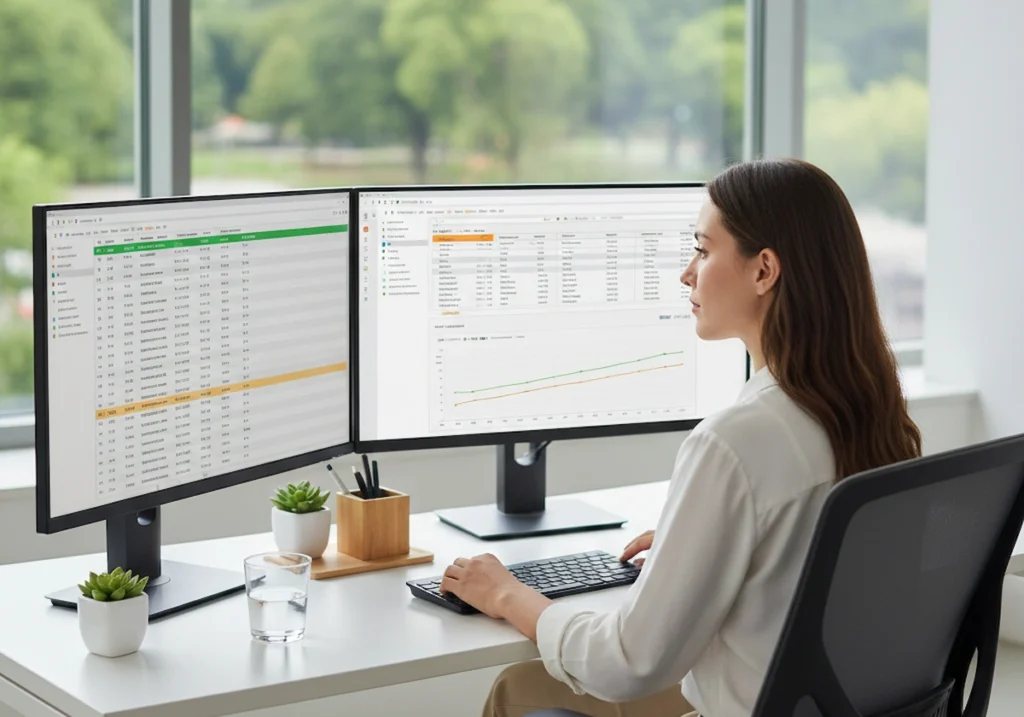
Let’s get into more detail about these aspects.
Core Web Vitals
Core Web Vitals metrics measure three things: loading performance, visual stability, and page responsiveness (we’ll explain them at length in the next major section). Google rolled out these metrics in 2021 to put numbers behind how users actually experience your pages.
The measurement process involves Google pulling field data from real devices to judge user experience. It doesn’t care what your developer’s fancy computer shows. What counts is how actual visitors on mobile devices experience your site when they land on it.
And if your core web vitals are poor, users will have trouble clicking elements, feel frustrated overall, and leave the page sooner. Google notices these signals when that happens, and rankings can gradually drop for this reason (it usually drags everything down from here).
Technical SEO Health
You could write the best blog post in your industry. But if Google can’t access it, that post might as well not exist. That’s where technical SEO ensures that search engines crawl and index the pages you care about.
For example, one wrong meta tag is all it takes to block a page from Google’s index. We’ve seen Brisbane businesses accidentally leave noindex tags on their service pages after a migration. Their months of work were completely invisible to search engines.
As a solution, you can use Google Search Console (GSC) to find your pages’ index status and flag crawl errors. We recommend checking regularly to detect these errors. Otherwise, you’re basically flying blind with your website.
Pro tip: Use log file analysis to confirm how search engines crawl your site rather than relying only on third-party tools.
Site Architecture
Site structure helps search engines find relevant pages quickly. Think of it like a shopping centre. If your best store is tucked away in a back corner with no signage, shoppers won’t find it. The same goes for your website if it doesn’t have proper architecture.
So here’s how to do it right.
For starters, your important pages should be within three clicks of the homepage. Like, if you run a plumbing business in Redcliffe, your emergency services page shouldn’t be hiding under five menu layers.
Then there are your internal links, which should spread link equity across your site. When your homepage links to service pages, you’re creating clear pathways. In turn, when those service pages link out to blog posts, the structure remains connected and logical. Google follows those pathways to locate and rank your content.
How Do Core Web Vitals Metrics Influence Search Results?
Core web vitals metrics affect search results by showing how users experience your pages. As we mentioned earlier, Google confirmed them as a ranking factor in 2021.
The truth is, strong scores in these metrics won’t beat better content on their own. But they can still help pages perform better when the competition is close.
Largest Contentful Paint (LCP)
Fast Largest Contentful Paint scores tell Google your page delivers content quickly to visitors. It measures how fast your main content, like a hero image, a headline, or a large block of text, becomes visible. Google simply tracks whatever loads as the biggest element on screen.

However, if your images or text blocks take too long to appear, your pages will load slowly. And it can happen because maybe you’ve got an uncompressed banner image, or your server takes ages to respond. Either way, visitors sit there staring at a blank screen while the site loads.
Google recommends keeping LCP under 2.5 seconds. When you meet this goal, it signals that your page loads quickly and respects users’ time. But if pages load slowly, competitors gain an advantage because visitors are more likely to leave.
Cumulative Layout Shift (CLS)
Have you ever tried clicking a button only for it to jump away at the last second? Cumulative Layout Shift tracks these unexpected movements of page elements during loading. It’s one of the most annoying things on the web, and Google knows it.
It happened to us all. Suppose you’re about to tap “Add to Cart”, and suddenly an ad loads above it. Now you’ve accidentally clicked something else. It’s frustrating, and it kills trust in a website fast (this kind of UX design also demonstrates carelessness).
Here’s how you fix it: reserve adequate spacing for ads, images, and embedded videos before they load. Give every element a set height so nothing shifts around.
Google wants a CLS score below 0.1, and most sites can hit that target in a few tweaks.
Interaction to Next Paint (INP)
Strong Interaction to Next Paint scores show Google that your page responds instantly to user clicks and taps. INP measures how responsive a page feels when users interact with a site.
For example, when someone clicks a button, taps a menu, or types in a search box, INP looks at how quickly the page responds to that action. It indicates how smooth or slow interactions feel.
One of the most common culprits behind this slowness is heavy JavaScript. It can block the browser’s main thread, which handles user actions and screen updates. So when a site runs too many scripts, users may click something and then wait for a response. The page can feel broken for this reason, even though it ultimately works.
As per Google’s recommendation, you should keep your INP under 200 milliseconds. Once your page meets this level, it’ll react quickly and feel smooth to use. This fast response helps signal to Google that the site provides a positive page experience.
(For a dedicated guide, don’t forget to go through our post on Core Web Vitals here.)
How Does Site Structure Help Search Engines Find Important Pages?
Site structure helps search engines crawl a website by creating clear paths between pages. When the structure is weak, relevant pages can get buried and may never be found.
Here are the main elements you should check to ensure a good site structure:
- Internal Links: These links pass link equity from stronger and trusted pages to newer content. We suggest adding at least three or four internal links from older posts to a weaker page. Doing so can help it move up in rankings within a few weeks.
- Orphan Pages: Google often ignores pages with no internal links pointing to them. More specifically, it sends a signal that the page may not be important. So search engines are less likely to see these pages as valuable parts of your site.
- Link Placement: You should place your most important internal links near the top of the page. This strategy makes them easier to see and more effective. But links hidden in the footer usually carry less weight than those in the main content.
- Anchor Text: Clear and descriptive link text helps Google understand what the target page is about. For this reason, it’s better to avoid vague phrases like “click here” and use words that clearly describe the content instead.
- Breadcrumb Navigation: One of the best things about breadcrumb navigation is that links like “Home > Services > Plumbing” clearly show page hierarchy to Google. At the same time, they give users an easy way to trace their steps through the site.
- XML Sitemaps: Submit your XML sitemaps through Google Search Console so Googlebot clearly understands which pages should be indexed. In this way, it works like a guest list, which guides crawlers toward the pages you want included.
- Hub Pages: Central pages that link to related content help build topical authority. Through these links, Google can better understand how different pages connect and support each other.
These steps reduce technical SEO issues and ensure your content doesn’t go unnoticed.
What Technical SEO Issues Prevent Pages from Ranking?
Technical SEO issues can prevent pages from ranking when search engines are unable to crawl or index them. Even your best blog post won’t appear if Google can’t access the page.
That’s why running regular audits in Google Search Console helps catch problems early, before they reduce your visibility and traffic. Let’s learn a bit more about these issues.
Crawlability and Noindex Problems
What if Google never sees your best content because one tag is blocking it? That’s exactly what happens with a noindex tag. It tells search engines to exclude a page from results.
Sometimes that may be intentional, like keeping a thank-you page out of search. But when it’s accidental, your content vanishes from Google completely.

These blocked pages waste crawl budgets and hide content from Google’s index. That means every time Googlebot hits a blocked URL, it’s spending resources on something it can’t use. Meanwhile, your actual service pages sit undiscovered.
This kind of problem happens mostly after site migrations. We’ve seen many times how some developers leave noindex tags on staging pages and forget to remove them before going live.
Honestly, one quick check in Google Search Console would catch it. But not everyone has that habit, so the problem lingers for months, a lot of times.
Pro tip: Always check your robots.txt and meta tags to ensure important pages are crawlable.
Duplicate Content and Canonical Tags
Duplicate content issues confuse search engines about which page to rank. If you’ve got the same product description on three different URLs, Google has to guess which one you want showing up (and Google doesn’t always guess right).
Canonical tags solve this problem. Say you run an online store with filter options that create multiple URLs for the same product. A canonical tag can point Google to the main version, so all the ranking signals consolidate in one place.
One more thing to keep in mind is that redirect chains and duplicate URLs can weaken link equity across your site. Each extra redirect reduces the value passed to the final page. Once you clean these issues up, you’ll see stronger rankings on the pages that actually deserve them.
Your Next Steps for Better Rankings
You now know that ranking signals go beyond traffic numbers. Particularly, core web vitals, crawlability, canonical tags, and site structure all influence where your web pages land in search results. Google checks these foundations before it even considers how popular your site is.
If you need help sorting out your technical SEO, our Brisbane team can help you. They’ve been fixing these exact issues since 2011. Get in touch with us for a site audit, and we’ll show you what’s holding your rankings back.