 on January 10, 2026
You build an SEO-ready website from day one by planning your site structure and choosing a platform that supports search visibility. You also align your design decisions with search engine optimisation before development begins.
Most businesses make the expensive mistake of treating SEO as an afterthought. Eventually, they end up spending thousands of dollars to fix problems that could’ve been avoided.
At Plugins Electronix, we’ve been building websites in Brisbane since 2011. Our team handles both web design and SEO together, so we know exactly what needs to happen at each stage of development.
In this guide, we’ll cover the essential elements of an SEO-ready website and what to do at each development stage. You’ll also learn about a good content strategy, plus why designers and SEO specialists must collaborate from day one.
Ready? Let’s begin.
What Does Building an SEO Ready Website From Day One Mean?
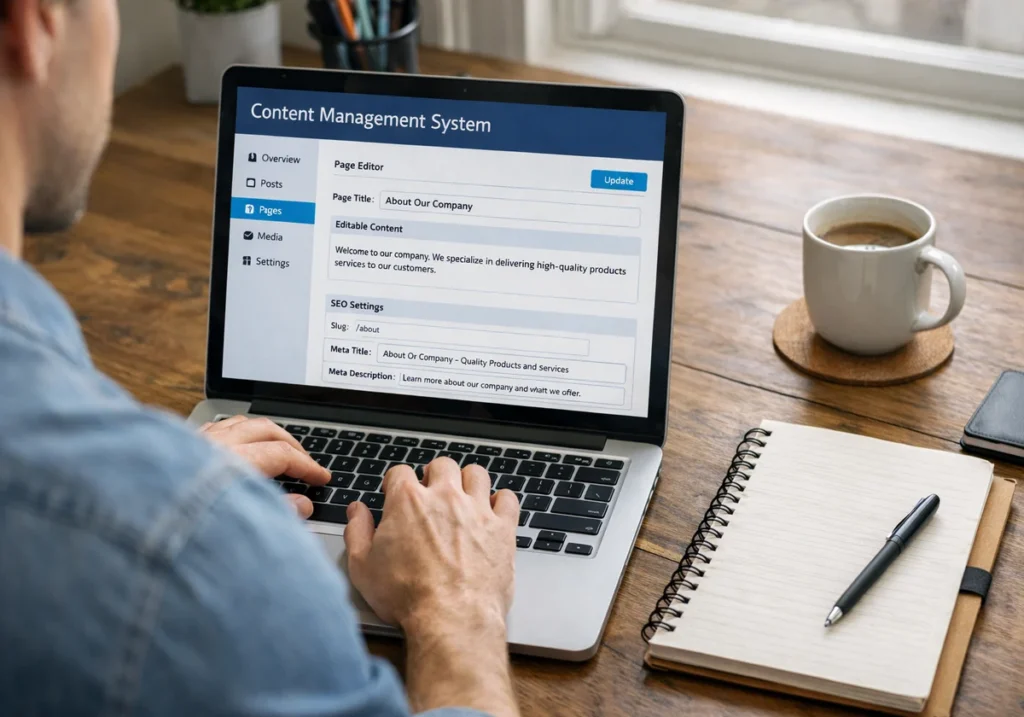
Building an SEO-ready website from day one means planning technical infrastructure, site structure, and content strategy before your website designer writes a single line of code. This way, you’re integrating SEO into every decision from the moment you sketch your first wireframe.
Focus on the elements below to ensure that your website is SEO-ready from the start:
- Site Structure: You should organise your web pages into clear categories before development starts. It’s because clean URLs help both search engines and users understand individual pages easily.
- Content Management System (CMS): The best part about choosing the right CMS early is that you won’t need a developer every time you want to update a meta description. Just pick a system that makes regular updates easy for your team.
- Mobile Design: Over 60% of global web traffic now comes from mobile devices. So your website needs to have a responsive design. It’ll adapt your layout to all screen sizes without creating a bad user experience.
- Page Speed: According to Cloudflare, fast-loading pages keep users happy and improve search engine rankings significantly. That’s why we recommend compressing images early so your site loads quickly on all devices. Page speed directly affects conversion rates and user satisfaction across platforms.
- Image Files: Large and unoptimised images are a common reason websites load slowly. The solution is reducing file sizes and adding descriptive alt text. It’ll help screen readers and search engines to understand your images more easily.
These steps help your website load faster, rank better, and serve many users without an issue.
What Should You Do at Each Stage of Website Development?
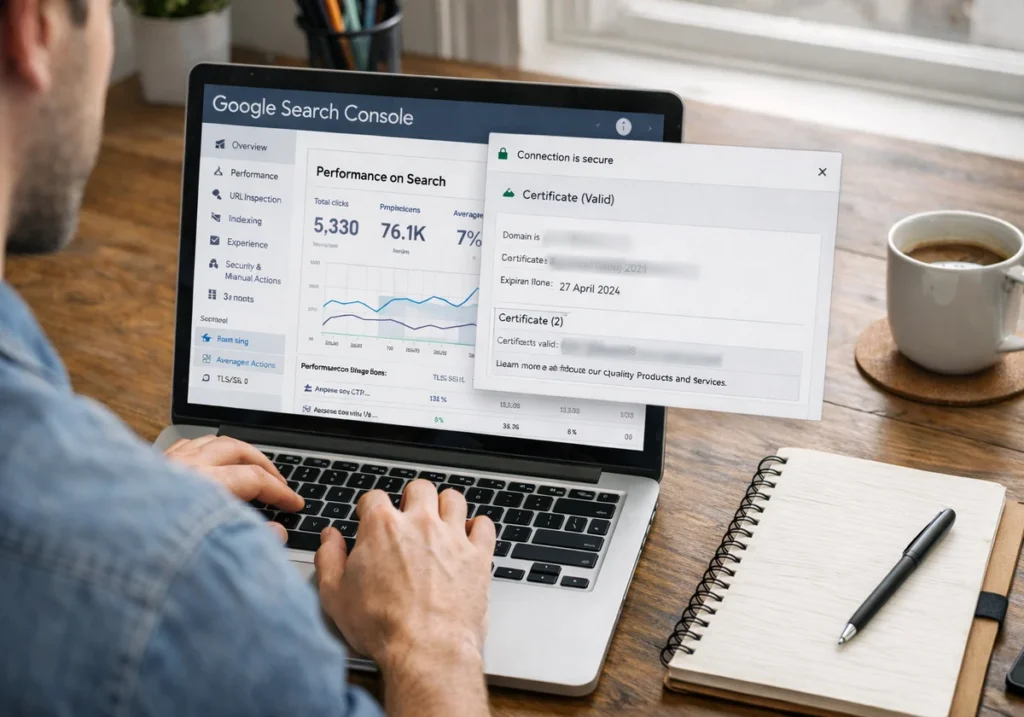
Website development has three main stages where you need to complete specific SEO tasks: planning, building, and pre-launch preparation. When you know what needs to happen at each stage, you avoid expensive rebuilds and launch with a site that’s already search engine-ready.
The planning phase is where you map out site structure, pick your CMS, and finalise keyword research. Then comes the build phase, which focuses on creating content, optimising images, and setting up internal links.
Finally, the pre-launch phase handles all the technical setup, like Google Search Console (GSC) and SSL certificates.
These three parts are important together because each phase builds on the previous one. That’s why if you skip proper planning, you’ll waste the build phase fixing structural problems. And if you rush pre-launch, search engines won’t even find your site when it goes live.
Here’s a table to help you understand these development phases better:
Development Stage | Key SEO Tasks | Who’s Responsible |
Planning Phase | Site structure mapping, keyword research, CMS selection, URL structure design | SEO Specialist + Website Designer |
Build Phase | Content creation with target keywords, image optimisation, internal linking structure, and meta tag implementation | Content Team + SEO Specialist |
Pre-Launch Phase | Google Search Console setup, XML sitemap submission, robots.txt configuration, SSL certificate installation | Technical SEO Specialist |
What Content Strategy Do You Need During Website Development?
You need a content strategy that includes keyword research, meta tag planning, and an internal linking structure before creating a single page. Without this roadmap, you’re guessing what your target audience wants to find, which will rarely get you ranked in search results.
We’ll now take a look at these important aspects of your content strategy.
Keyword Research for Page Planning
If you finish your keyword research early, you can create content based on what people are actually searching. It helps you target your audience more accurately, since search terms clearly show the specific user problems they want solved.
When we work with clients in Brisbane, we use this approach to guide their decisions. For example, many want to rank for “web design,” but in reality, users are searching for “affordable website designer Brisbane.”
For this reason, it’s important to choose the right terms early. Once you do this, keywords help decide how you should set up your page. And in the end, this action allows search engine algorithms to connect it with what people are looking for.
Meta Title and Description Creation
Have you ever wondered what makes someone click your search result instead of the ten others above and below? It’s usually your meta title and description. They clearly show what your page offers and help users decide if it’s relevant to them.
We highly recommend writing unique meta descriptions for individual pages because they improve search results clicks. Each page on your site serves a different purpose, so generic descriptions waste valuable space (irony intended).
The same goes for title tags, which tell search engines what each page offers to users searching.
Put simply, good metadata makes sense to humans and satisfies technical requirements simultaneously. And in terms of length, we’ve found that the sweet spot is around 50-60 characters for titles and 150-160 characters for descriptions.
Pro tip: Avoid internal jargon in titles, even if it appears on the page itself.
Internal Linking Structure
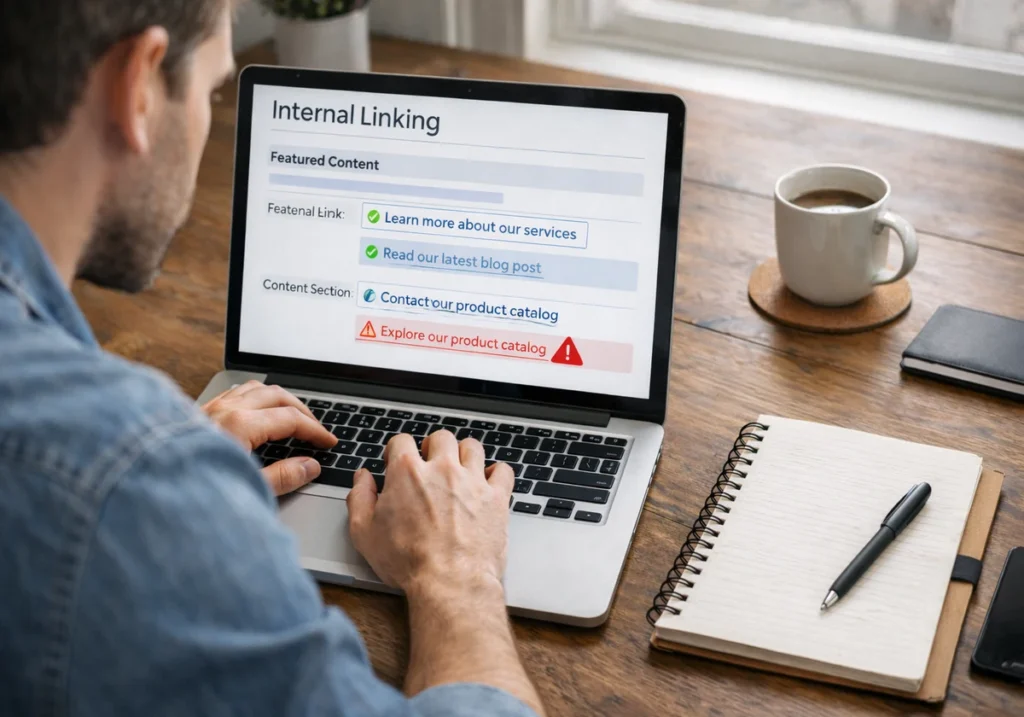
Internal linking is one of the easiest ways to help users move around your site while spreading ranking value between pages. Clear anchor text connects related pages, which makes content easier to find. It also helps search engines understand how your pages are related.
For example, if you’re writing about web design and mention “responsive layouts”, you should link those words to your dedicated responsive design page. Strategic linking like this distributes ranking power across your site’s most important resources.
Why Do Web Designers and SEO Specialists Need to Work Together?
Web designers and SEO specialists need to work together because design decisions affect both search engine performance and user experience from the start. If a website looks good but loads slowly or is hard for search engines to understand, it won’t attract customers.
The best results come when both teams collaborate early in the process.
Let’s get into more detail about the impacts of this teamwork.
Navigation Design Impacts Search Engine Crawling
According to Google, if it’s impossible to find your pages through your navigation system, it won’t be able to rank them properly. While UX designers focus on creating menus that look good, SEO specialists make sure search engines can access every page.
That’s where the menu plays a huge role in how users interact with your site and how Google discovers web pages (the hierarchy may be subtle, but it’s extremely important).
If you’ve ever visited a website with a fancy dropdown menu that hides half the pages three clicks deep, you’ve seen this problem already.
An integrated approach also means fewer revisions and faster project completion for everyone. When a single organisation handles both web design and SEO, it creates a comprehensive approach naturally.
Design Choices Affect Loading Performance
When designers and SEO specialists collaborate from the beginning, you get beautiful pages that also load quickly. You get to avoid facing problems like large images (we mentioned it earlier) and pop-ups slowing pages down, which hurts your SEO performance.
For instance, a 5 MB hero image might look stunning on a designer’s 4K monitor, but it kills page speed on mobile phones.
To sum it up, you need both perspectives because your designer knows what looks good, and your SEO specialist knows what performs well in search results.
Useful tip: Use legible fonts and clean layouts because they help create a good user experience without slowing the site down.
Start Building Your Search Engine Ready Website Today
You now understand the importance of planning site structure, choosing the right CMS, and coordinating between designers and SEO specialists early.
If you’re starting from scratch, focus on the planning phase first. Map out your site structure and do keyword research before touching any design tools. And if you already have a website that needs fixing, work with a team that handles both web design and SEO together.
We here at Plugins Electronix have been building SEO-ready websites for more than a decade now. Contact us today to discuss how we can create a website that ranks well and looks amazing.